
The 2005 GMC Sierra 1500 is a durable and capable pickup, but its factory halogen headlights leave much to be desired after nearly two decades on the road. Dim, yellowish beams struggle to illuminate dark rural highways, wet pavement, or unexpected obstacles like deer and debris. For nighttime driving safety, upgrading to modern LED headlights is one of the most effective and affordable modifications you can make. LEDs produce a brighter, whiter light that reaches farther down the road while using less power and lasting significantly longer than halogens. This guide walks you through the process of upgrading your 2005 Sierra with LED headlights for safer night driving.
Choosing the Right LED Headlight Kit
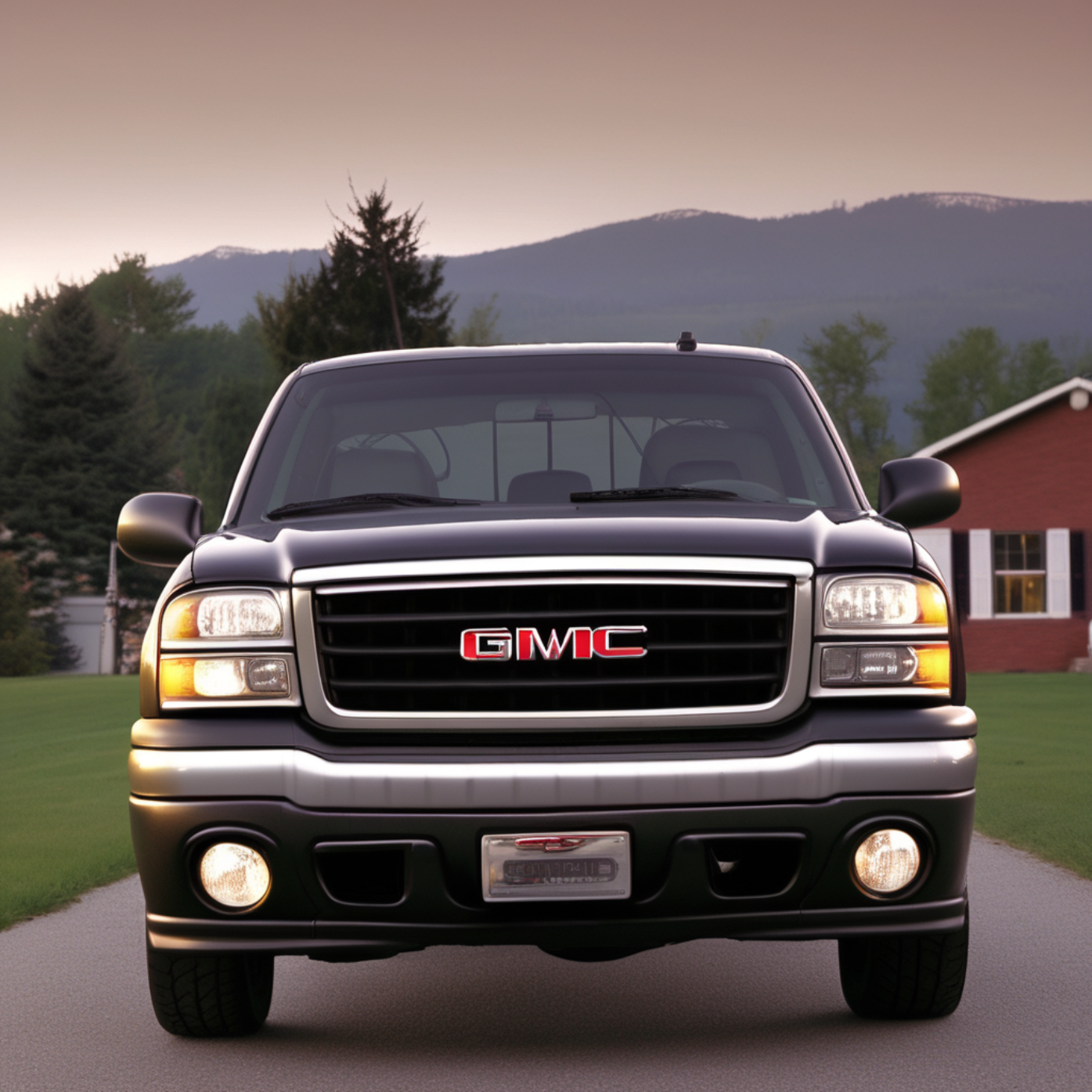
The 2005 GMC Sierra 1500 uses two separate bulb types for its composite headlight housing: 9005 bulbs for the high beams and 9006 bulbs for the low beams. When shopping for an 2005 GMC Sierra LED headlights upgrade, look for kits that offer these specific bulb sizes. Quality matters greatly—avoid ultra-cheap LEDs with poor beam patterns. Instead, invest in bulbs with a 1:1 filament position match, which mimics the light source location of a halogen bulb. This ensures the beam pattern stays focused and does not scatter light into oncoming traffic. Also, look for LEDs with built-in drivers (small external boxes that regulate power), fanless cooling designs for dust-prone environments, or robust aluminum heat sinks. A color temperature between 5000K and 6000K produces a crisp white light that reduces eye strain and improves contrast against road signs and lane markings.
Installation Process: Step-by-Step
Installing LED headlights on a 2005 Sierra is a straightforward job that takes about 30 to 45 minutes. Start by parking on level ground, engaging the parking brake, and opening the hood. Locate the back of the headlight housing. You do not need to remove the entire headlight assembly—access to the bulb sockets is available behind the housing. Twist the factory bulb socket counterclockwise to remove it. Unplug the old halogen bulb and remove it from the socket. Before installing the new LED bulb, check the polarity. LEDs are polarity-sensitive, meaning they only work when electricity flows in the correct direction. Plug the LED into the factory socket and test it by turning on your headlights. If the light does not illuminate, unplug it, rotate the connector 180 degrees, and plug it back in. Once the light works, tuck the LED driver and any excess wiring neatly into the housing using zip ties. Reinstall the socket into the headlight housing and twist it clockwise to lock it in place. Repeat the process for the other side.
Aiming Your LED Headlights Properly
After installation, proper 2005 GMC Sierra headlight aiming is critical for both your safety and the safety of other drivers. LEDs produce a much sharper cutoff line than halogens, and even a slight misalignment can blind oncoming traffic. Park your truck on a level surface facing a wall or garage door about 25 feet away. Measure the distance from the ground to the center of your headlight lenses. Mark that same height on the wall with tape. Turn on your low beams and adjust the vertical aiming screw on each headlight housing until the top of the beam cutoff aligns with your tape mark. The beam should step up slightly to the right, illuminating the shoulder without glaring into opposing lanes. Properly aimed LED headlights transform your 2005 Sierra into a nighttime driving machine—offering exceptional visibility, reduced eye fatigue, and a modern, aggressive front-end look. With this simple upgrade, you will drive safer and with far more confidence after dark.



Write a comment ...